Jetread
From crew paperwork to clear aircraft costs.
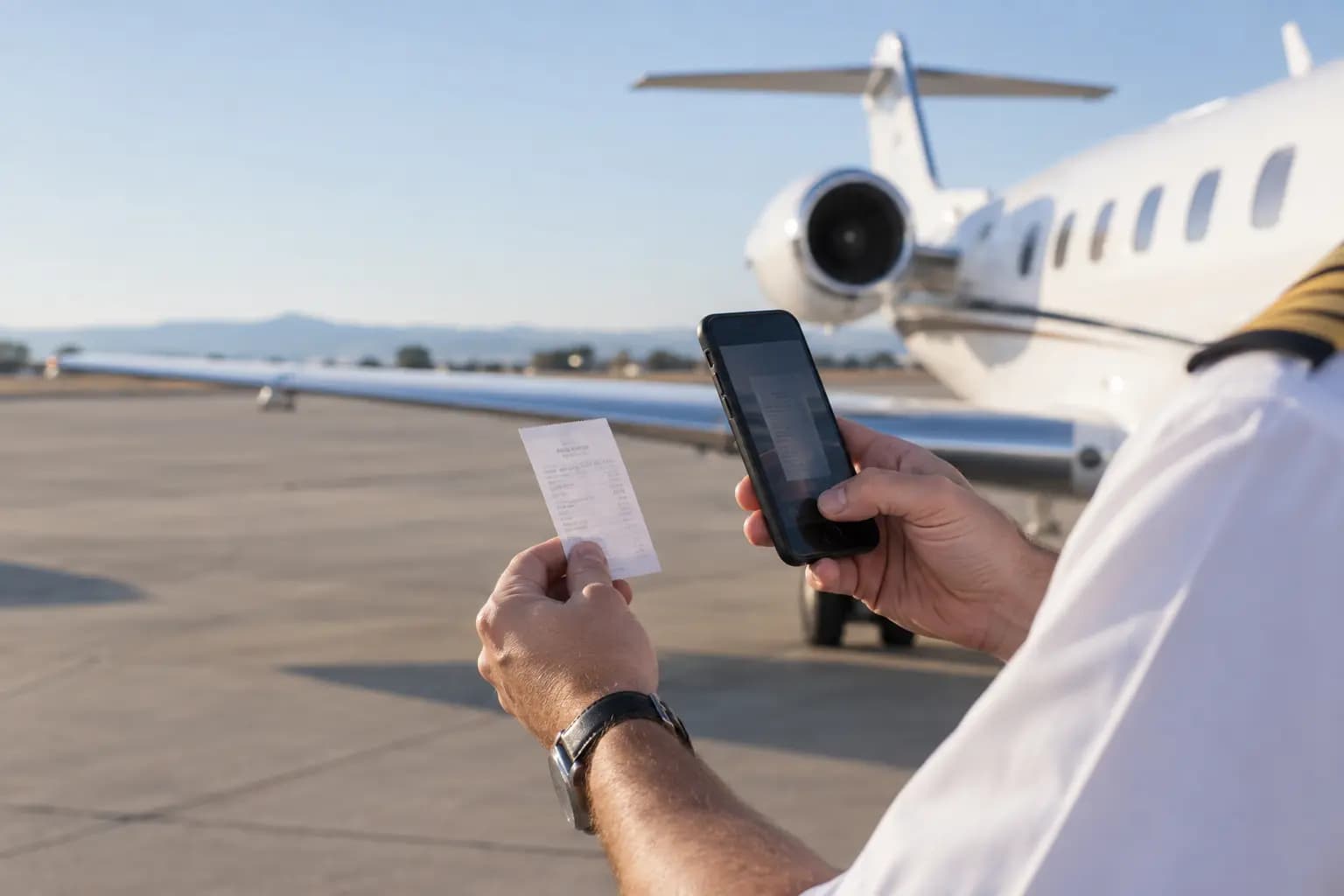
A receipt on the ramp should become a cost in your report - not a photo lost in a chat. Jetread collects aviation paperwork from your crew, reads it with AI, lets your office check what matters and groups every expense by aircraft.
- WhatsApp intake for the crew
- Human review of uncertain readings
- Guided setup by our team
Received via WhatsApp
Fuel receipt
DEMO-01 · 1,250 L
€1,625.00
Between the flight and the figures
Paperwork moves. Context gets lost.
Receipts end up in pockets, invoices in group chats, and the office spends its week chasing them. By the time a cost reaches the books, nobody is sure which aircraft it belongs to - or whether anyone checked it.
- Where's the receipt?
- Which aircraft?
- Has it been checked?
How it works
Send. Check. Report.
One path from the crew to the office - and into the numbers.
- 01
Receive
Crew send photos and PDFs through WhatsApp - no new app to install. Documents uploaded by the office join the same queue.
- 02
Review
AI extracts the details and grades its confidence. Your team checks uncertain readings side by side with the original document.
- 03
Report
Expenses are grouped by aircraft and exported as CSV, with the source document always linked.
Built for aviation paperwork
Different paperwork. One clear workflow.
Supplier PDFs, phone photos of printed forms, handwritten entries, standard templates or layouts that change from supplier to supplier - Jetread reads the paperwork your operation already uses, in multiple languages.
Uncertain readings are flagged for review, with the original document alongside.
Document types
Formats
Aviation is in the details
Every cost, with its context
Organize
The right aircraft, the right supplier
Registrations are checked against your fleet and supplier names stay consistent, so reports group the way they should.
Understand
Fuel quantities and clear currency totals
Quantities are captured alongside the cost. Original-currency totals stay separate, with BNR-based RON conversion available.
Check
One expense, counted once
Identical uploads are recognized and likely duplicates are flagged for a decision. Confirmed duplicates stay out of report totals.
Connect
Payment slips and supporting paperwork
Card slips link to their bills, spending is visible per card, and records without a matching counterpart stand out. Monthly supplier statements can be checked against recorded totals.

Clear records. Controlled access.
Automation you can check
AI reads the paperwork and flags what needs attention. Your team stays in charge of corrections, review rules and approvals - and decides when automatic review is switched on.
Access by role
Permissions for each member of your team, with two-factor authentication available.
A history of changes
Every action and correction is recorded, along with the person who made it.
Reports you can take with you
CSV reports and individual document exports for your accounting process.
Guided from the first document
Your workflow is our starting point
We configure Jetread around your operation and help your office work through its first documents.
- 01
Understand
Walk us through how paperwork reaches your office today, and agree the document types, reports and review steps that matter first.
- 02
Configure & check
We set up your fleet, suppliers, intake route and permissions, then check representative documents with your accounting contact.
- 03
Introduce the team
We train your reviewers, run alongside your current process and agree when the workspace is ready for everyday use.
What we need to begin
- Your aircraft list
- Representative documents
- One office contact
A clear scope before you start
A fleet-based subscription and a one-time setup fee. Rollout, document volume and support are agreed with you, and we can build an integration with any system you already use.
Good questions
A few practical answers
Do pilots need another app?+
What happens when Jetread is unsure?+
Does it replace our accounting or flight operations system?+
Can we produce owner statements?+
Let's talk paperwork
A 30-minute conversation about your fleet and how paperwork reaches your office today. No documents needed to book.